Enhance Old Photos With AI — Improve Clarity and Detail
Not every old photo is damaged — some are just not as good as they could be. Magic Memory uses GFPGAN AI to improve the clarity, sharpness, and detail in your portraits, taking photos from acceptable to excellent in under 15 seconds.
One-time credits. No subscription.
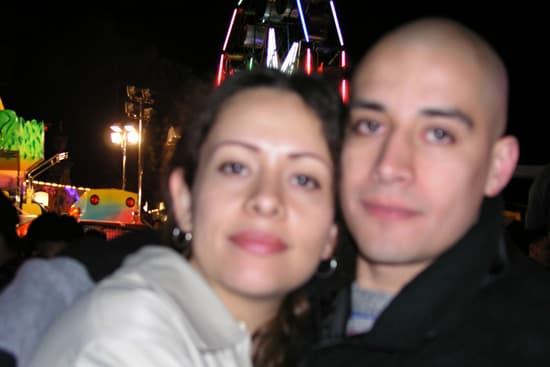
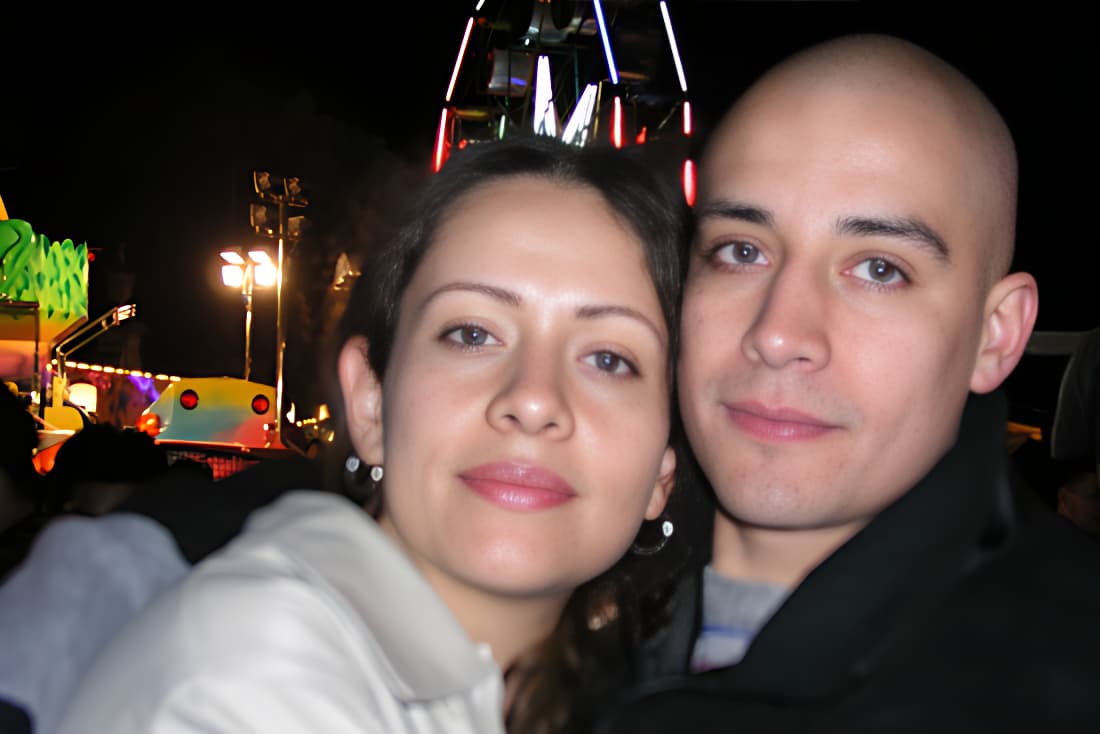
Enhancement vs. Restoration
The distinction matters practically. If you are searching for photo enhancement, you likely have a photo that is okay but not great — perhaps slightly soft, lacking fine detail, or below the quality you want for printing or sharing.
GFPGAN does both at once. It recovers lost detail from degradation (restoration) and improves the apparent sharpness and quality of the face (enhancement). For most photos, this means faces go from looking like old photographs to looking like modern, sharp portraits.
Who Enhances Old Photos
- People digitizing photo albums who want the best possible quality
- Anyone printing photos larger than 5x7 and needing sharp source material
- Genealogists building visual family histories
- People creating memorial displays or tribute books
02Process
How it works
Three steps to restore your photo in seconds.
- 01
Upload Your Photo
Upload a JPEG, PNG, or WebP photo up to 10MB.
- 02
AI Restores It
GFPGAN AI restores faces and enhances photo quality in 5–15 seconds.
- 03
Download Your Result
Download your restored photo in full resolution, ready to share or print.
03Questions
Frequently Asked Questions
Common questions about this type of photo restoration
Related Restorations
Ready to restore your memories?
One-time credit packs. Credits never expire. No subscription.